How to Buy USDT
A step-by-step guide to buying USDT for your deposit
1. Open the purchase page
Open the USDT purchase page in your browser. No account registration is required.
2. Enter your details
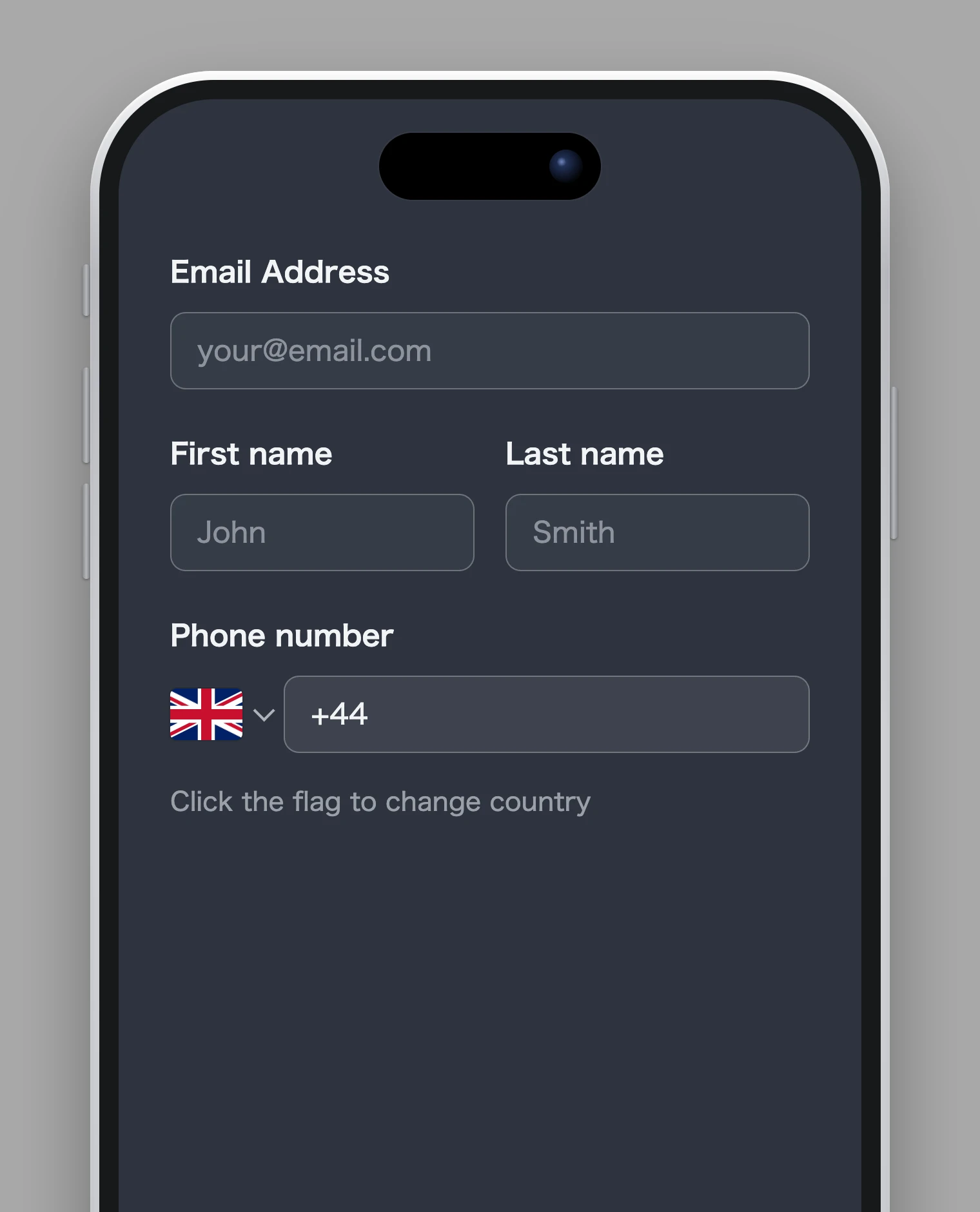
Fill in your email address, name, and phone number.
3. Enter the offer price
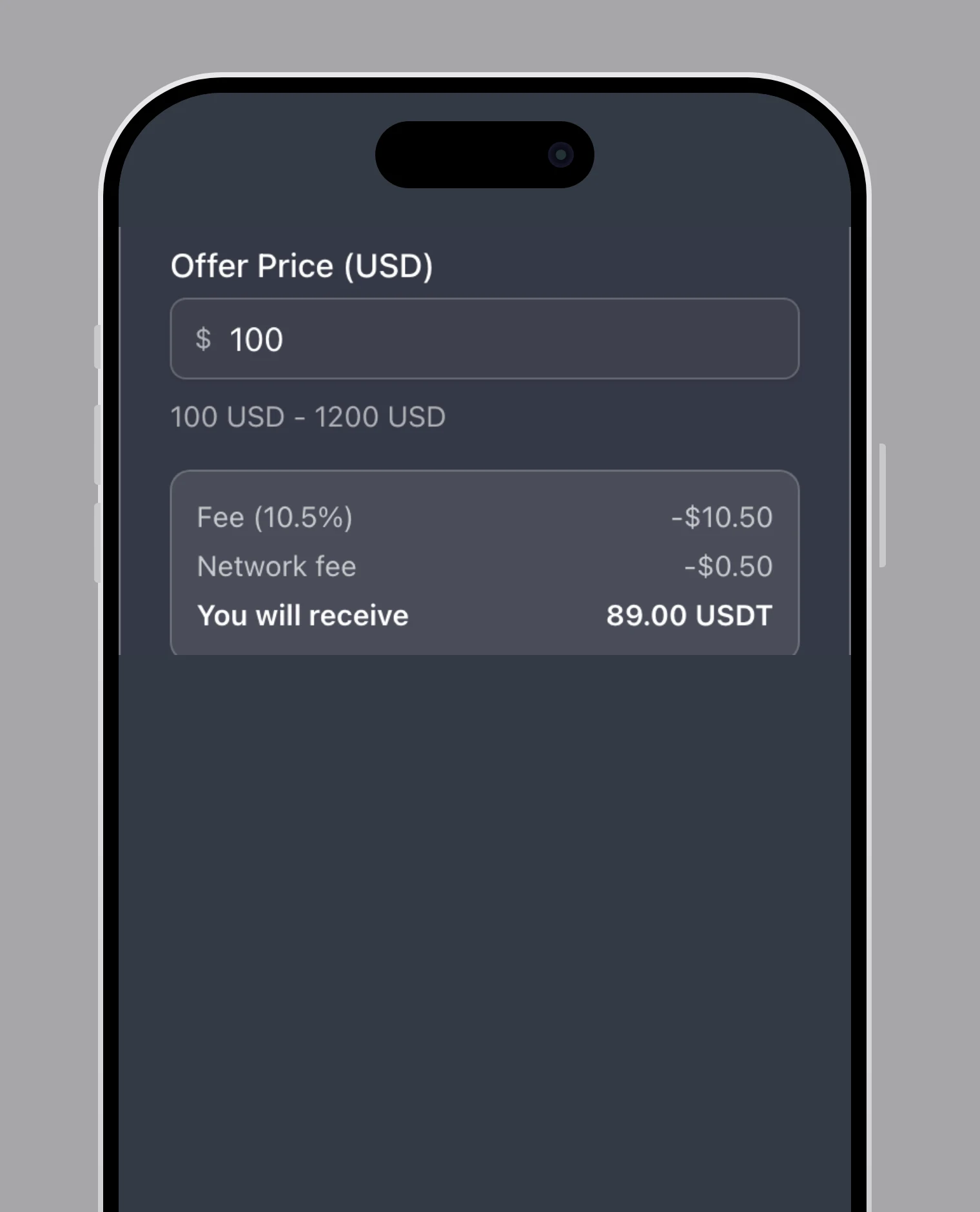
Enter the amount in USD (100–1200 USD). The breakdown below the field shows the fees and exactly how much USDT you will receive.
4. Set your wallet address
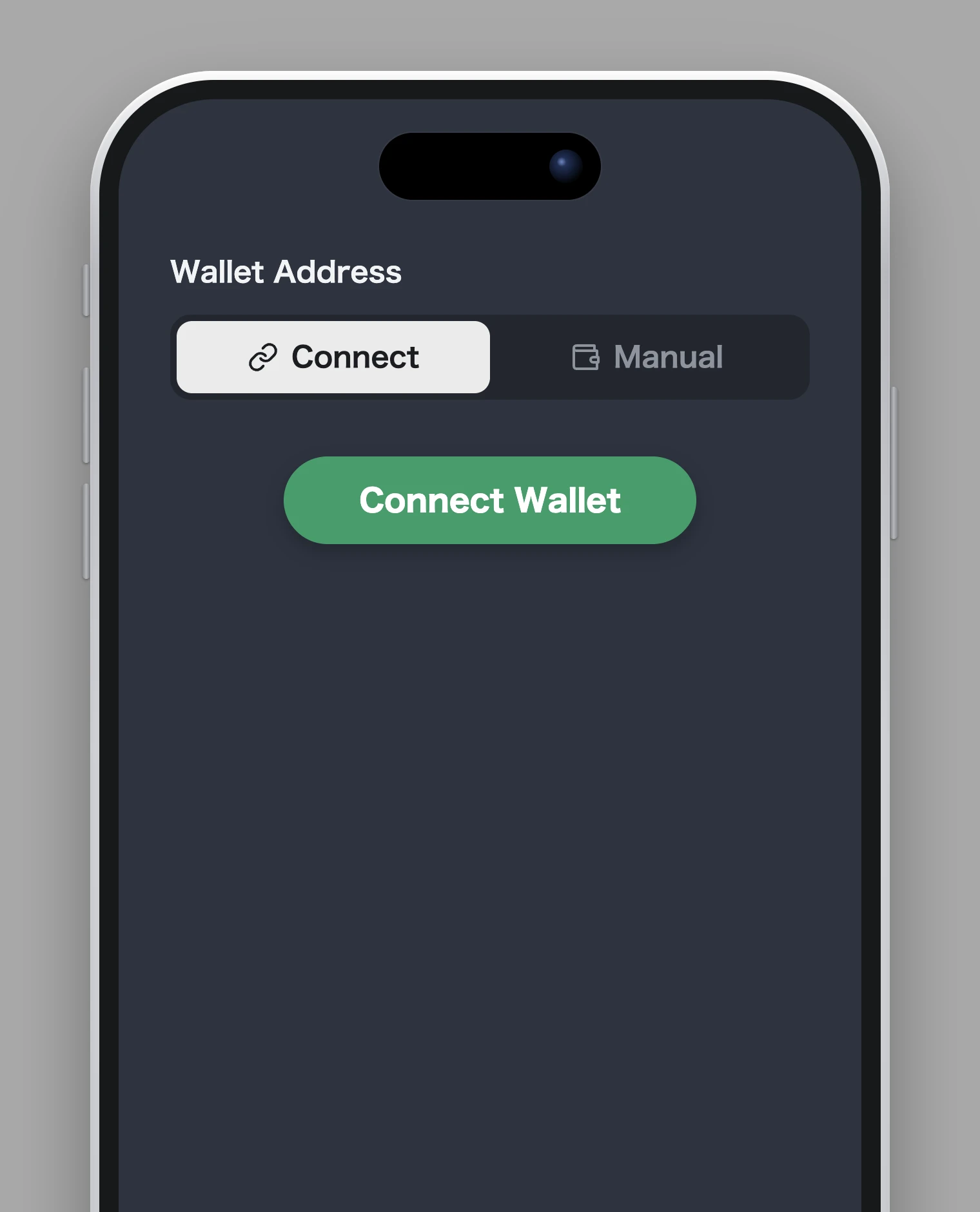
Choose "Connect" to connect your wallet, or "Manual" to enter the address yourself. To connect, press "Connect Wallet".
Choose a wallet
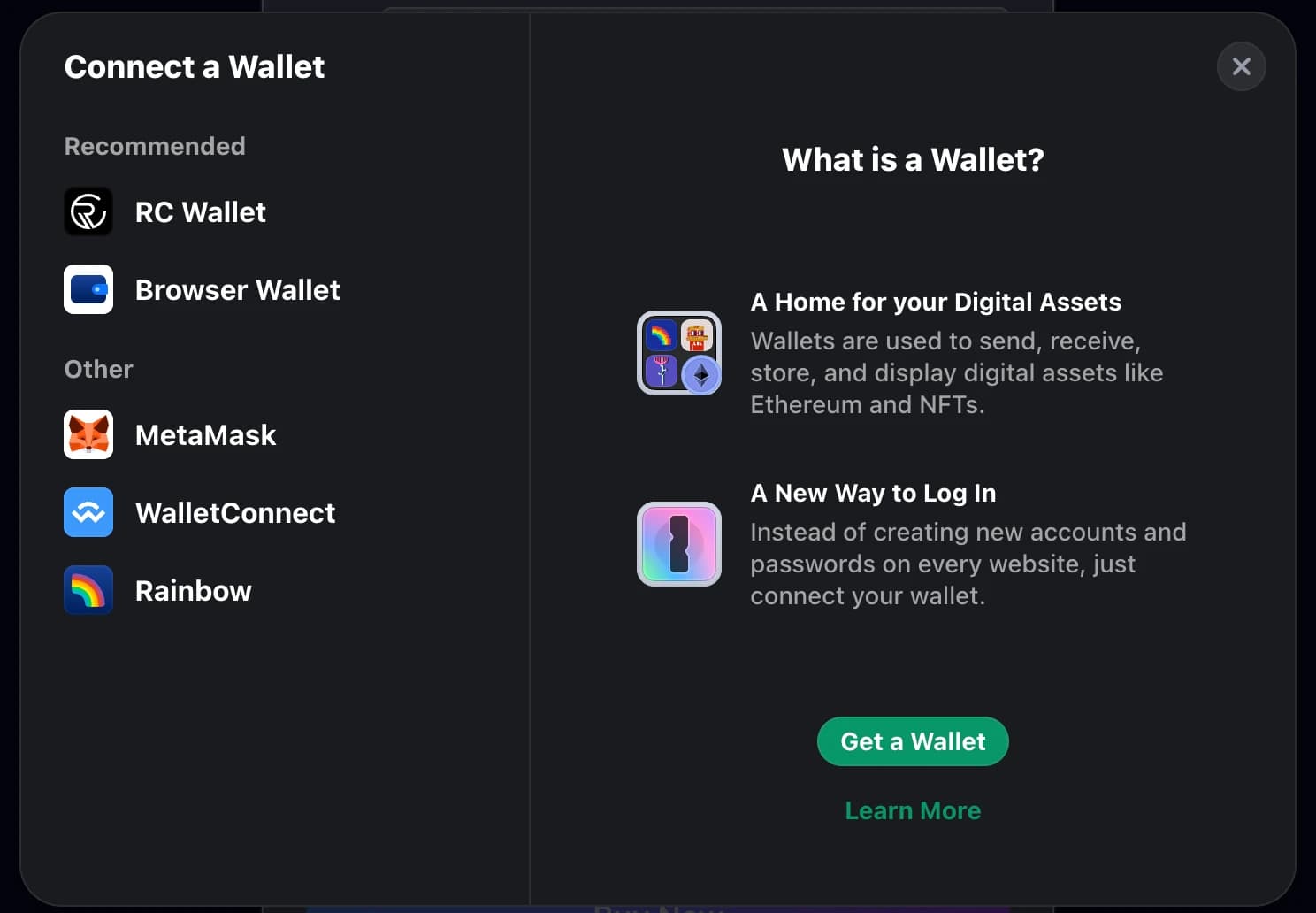
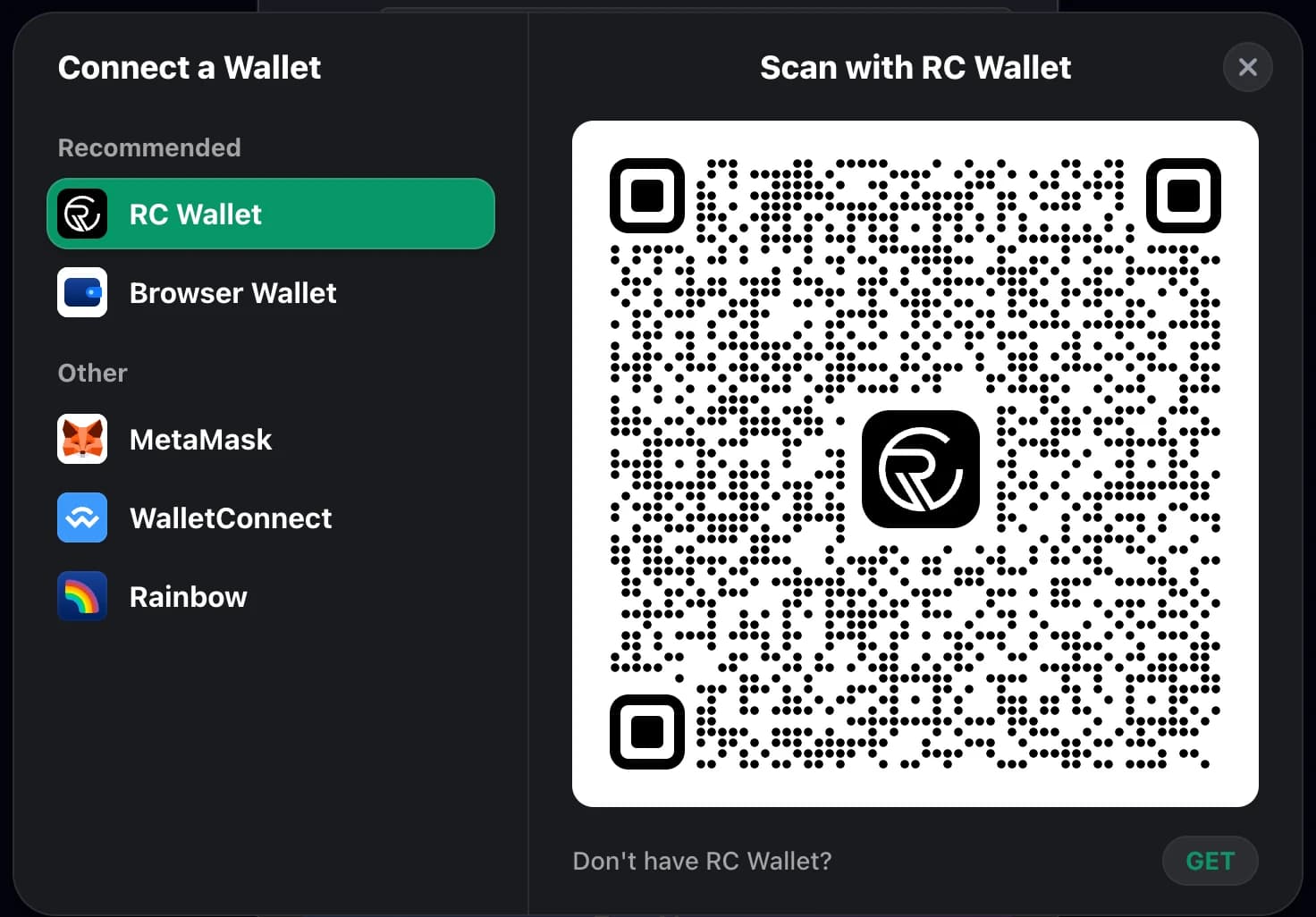
A wallet selection dialog opens. We recommend RC Wallet — Browser Wallet, MetaMask, WalletConnect, and Rainbow are also supported. If you don't have a wallet yet, press "Get a Wallet".
Scan with RC Wallet
Select RC Wallet and scan the QR code with the RC Wallet app to connect. If you don't have the app, press "GET" to download it.
5. Or enter the address manually
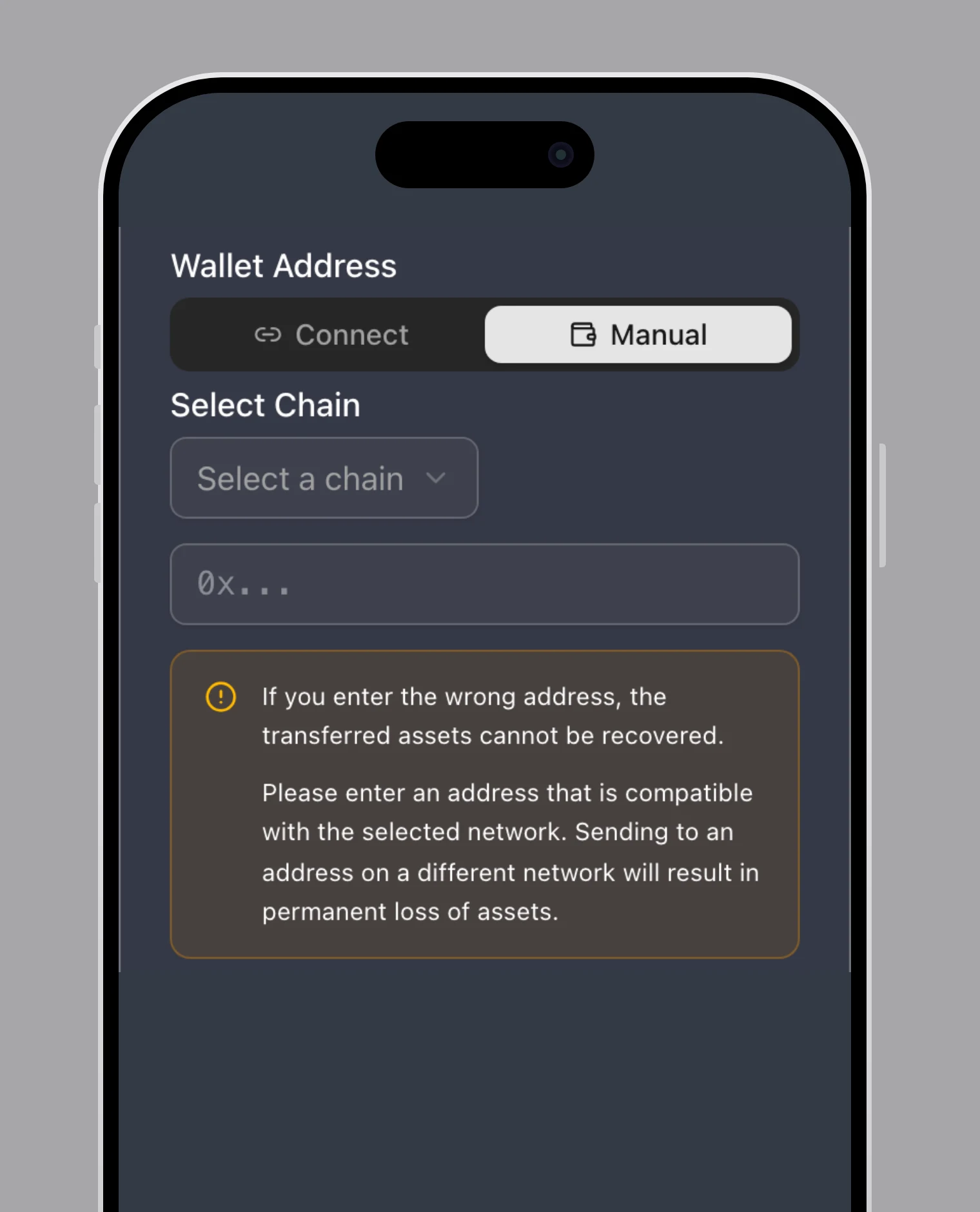
With "Manual", select a chain and paste your wallet address. Make sure the address and network are correct — assets sent to a wrong address cannot be recovered.
6. Buy Now and complete the payment
Press "Buy Now" and follow the payment instructions. After the purchase completes, the USDT is sent to your wallet.
7. Deposit to EdgeGraph
Log in to your member page, open the deposit menu, and send the purchased USDT to the displayed deposit address.
Important notes
- USDT is granted as a bonus for purchasing an NFT card on the service.
- The purchase service is operated by a third party. We are not responsible for issues or delays during the purchase.
- Please be careful not to make mistakes with the destination address or amount, as cryptocurrency may be lost.