EdgeGraph FX Cryptocurrency Deposit Methods | Supported Currencies and a 5-Step Guide
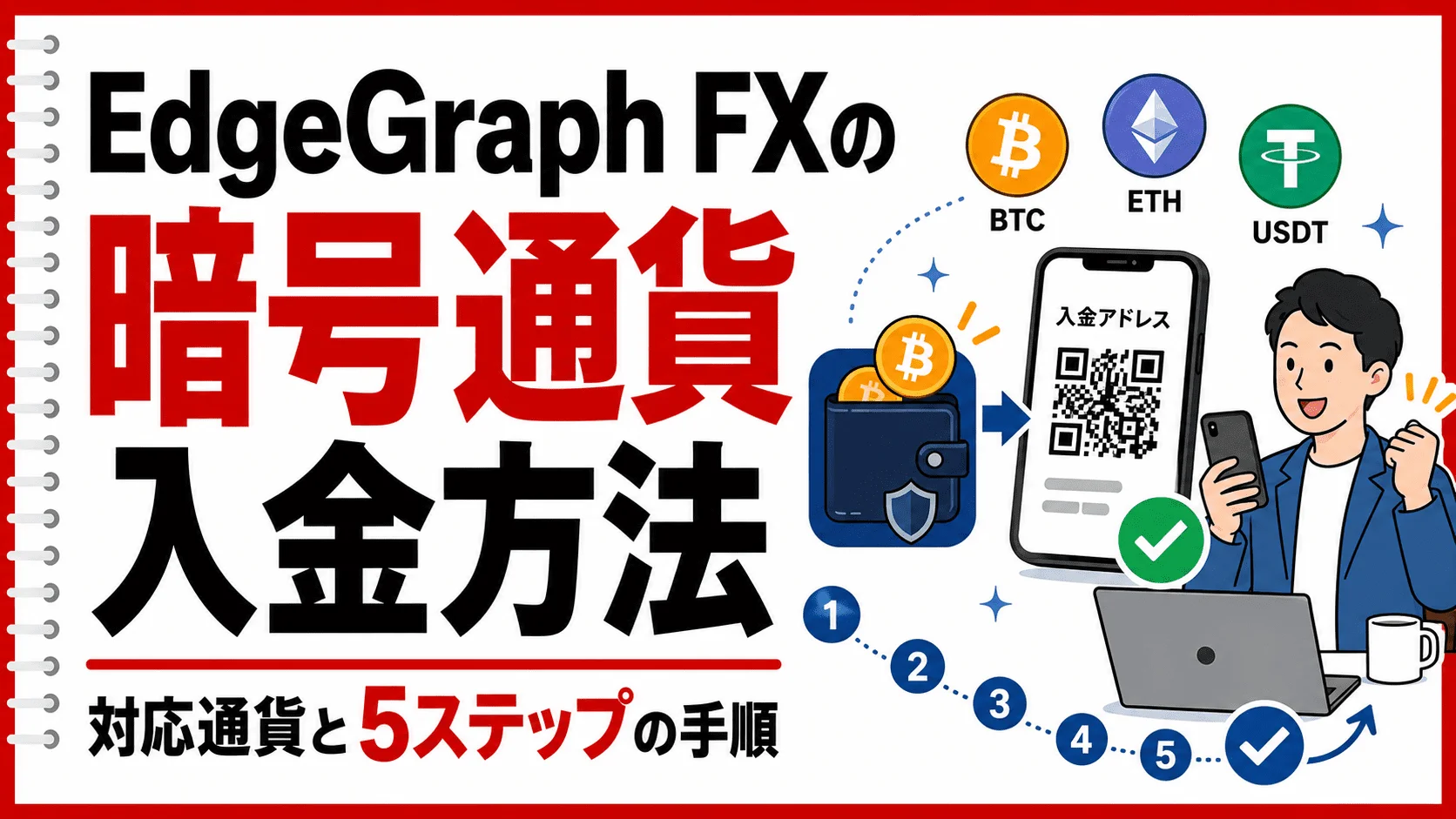
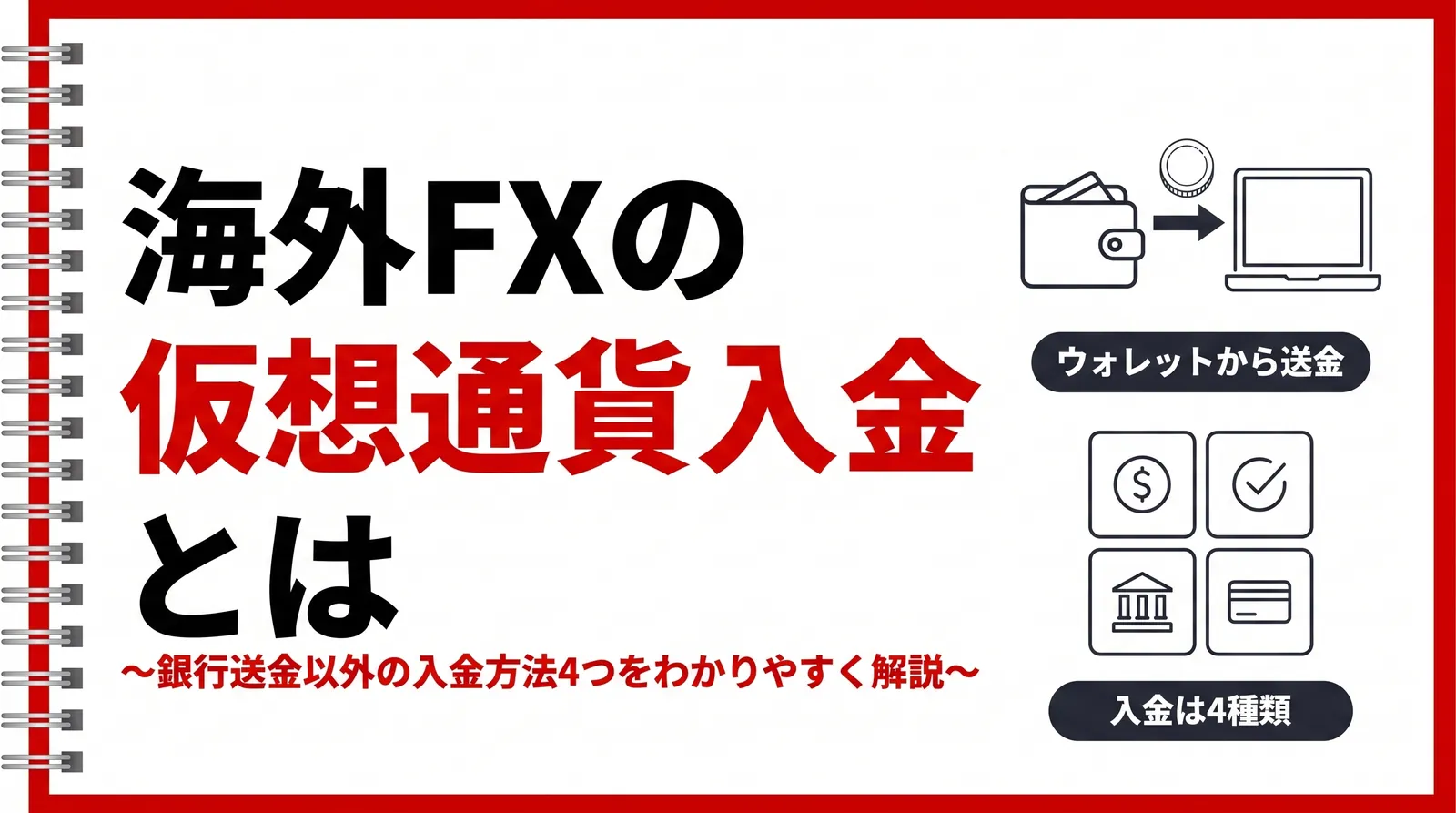
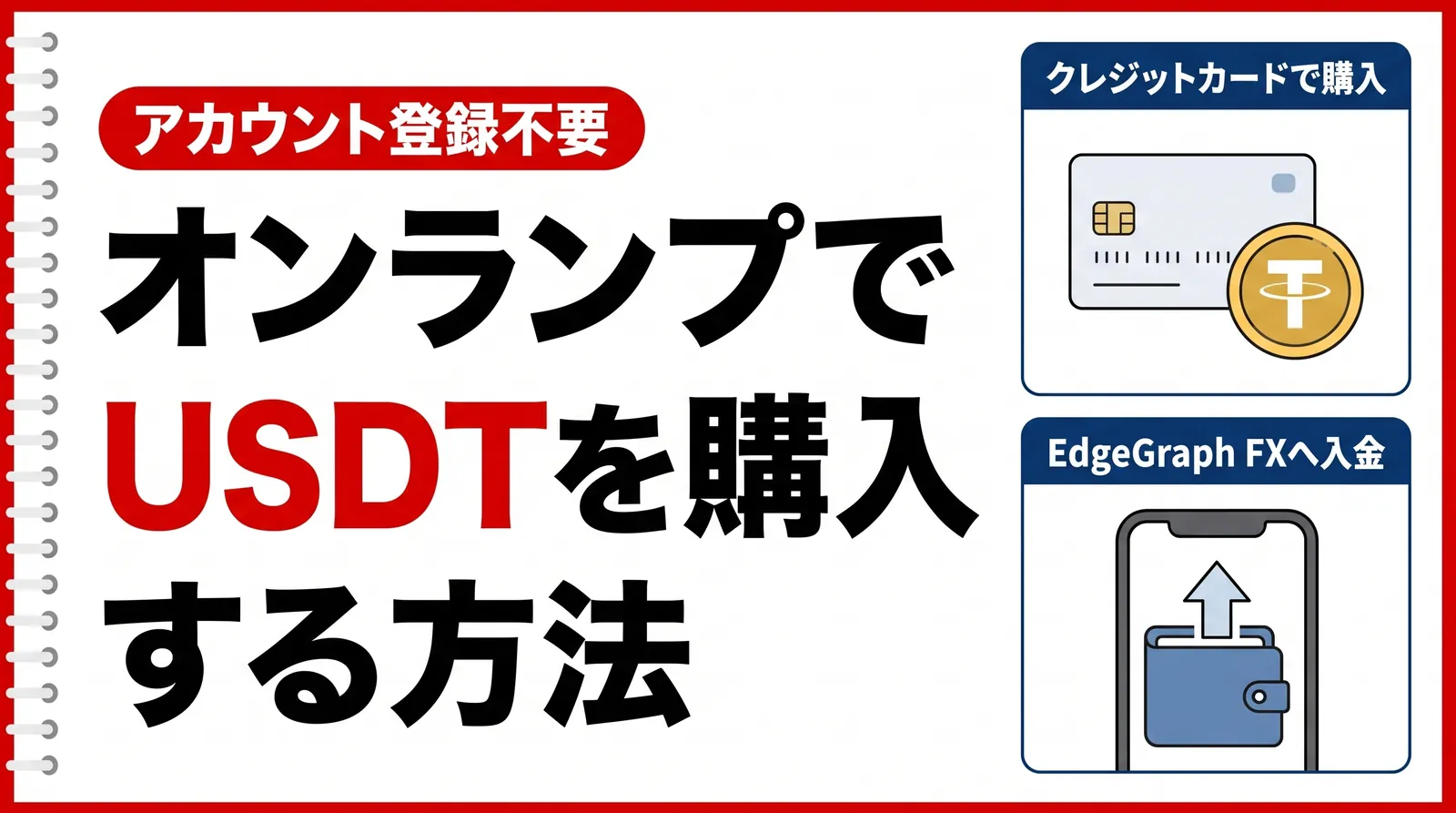
At EdgeGraph FX, you can use Bitcoin and USDT to makecryptocurrency (crypto) deposits. Unlike bank transfers, you can send funds 24/7, and the process itself takes just a few minutes (the time it takes to be credited to your account depends on network congestion).
This article explains the supported currencies, deposit steps, and important precautions when sending funds.
Table of Contents
Supported Currencies
EdgeGraph FX supports the following four currency types for cryptocurrency deposits.
Supported Currencies and Networks
| Currency Type | Network |
|---|---|
| BTC | Bitcoin network |
| USDT-ERC20 | Ethereum |
| USDT-TRC20 | TRON |
| USDT-BEP20 | BNB Smart Chain |
USDT can be sent via three different networks, so choose the one supported by the exchange or wallet you're sending from.
Deposit Steps (5 Steps)
From the deposit menu in your EdgeGraph FX My Page, follow the steps below.
Step 1: Select the Currency Type
On the deposit screen, select one of the following:BTC / USDT-ERC20 / USDT-TRC20 / USDT-BEP20.
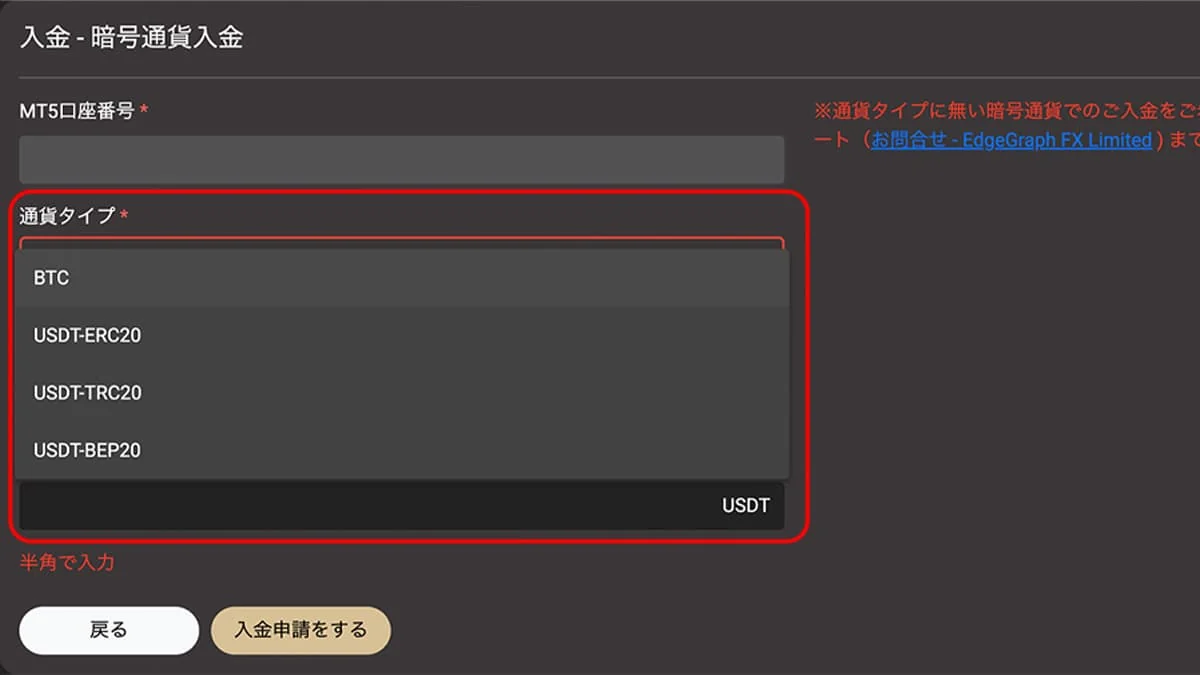
If you're sending USDT, choose the same network asthe one supported by the exchange you're sending from. If you get the network wrong here, you risk losing your funds.
Step 2: Enter the Sending Address
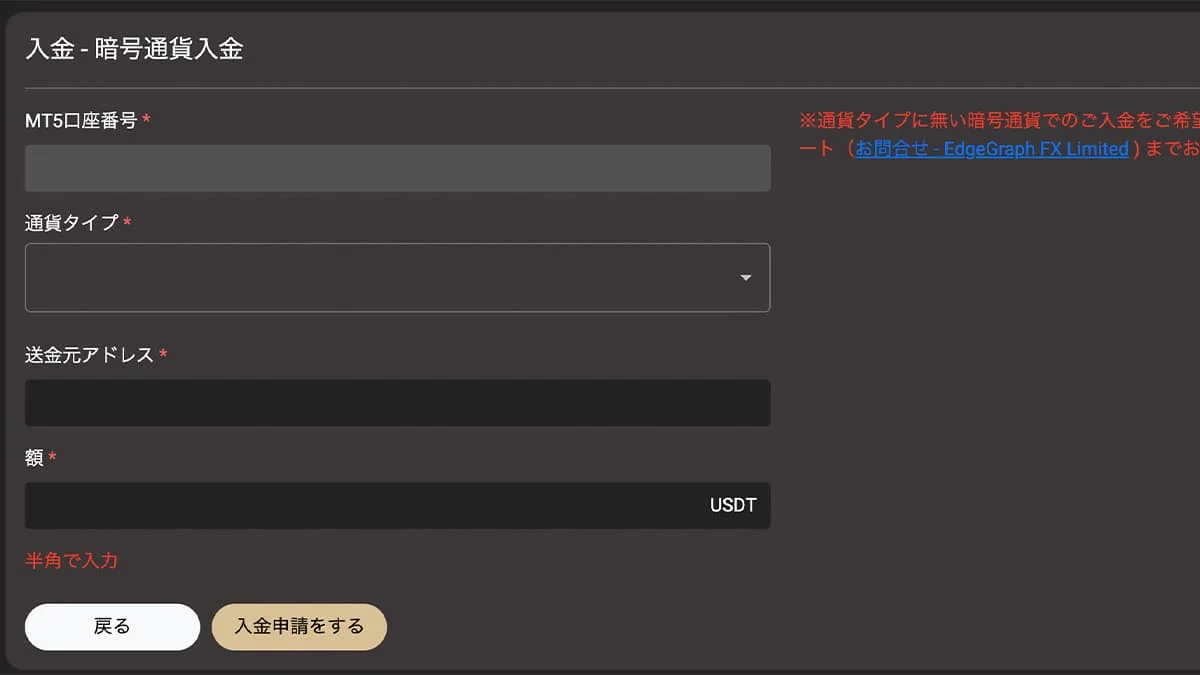
Enter the address of your own wallet (or exchange) that you'll be sending from.
Step 3: Enter the Deposit Amount
Enter the amount you want to deposit.
Step 4: Click the Deposit Request Button
After confirming the details, click the "Deposit Request" button. Once your request is accepted, the destination address will appear on the screen.
Step 5: Send Funds to the Displayed Address
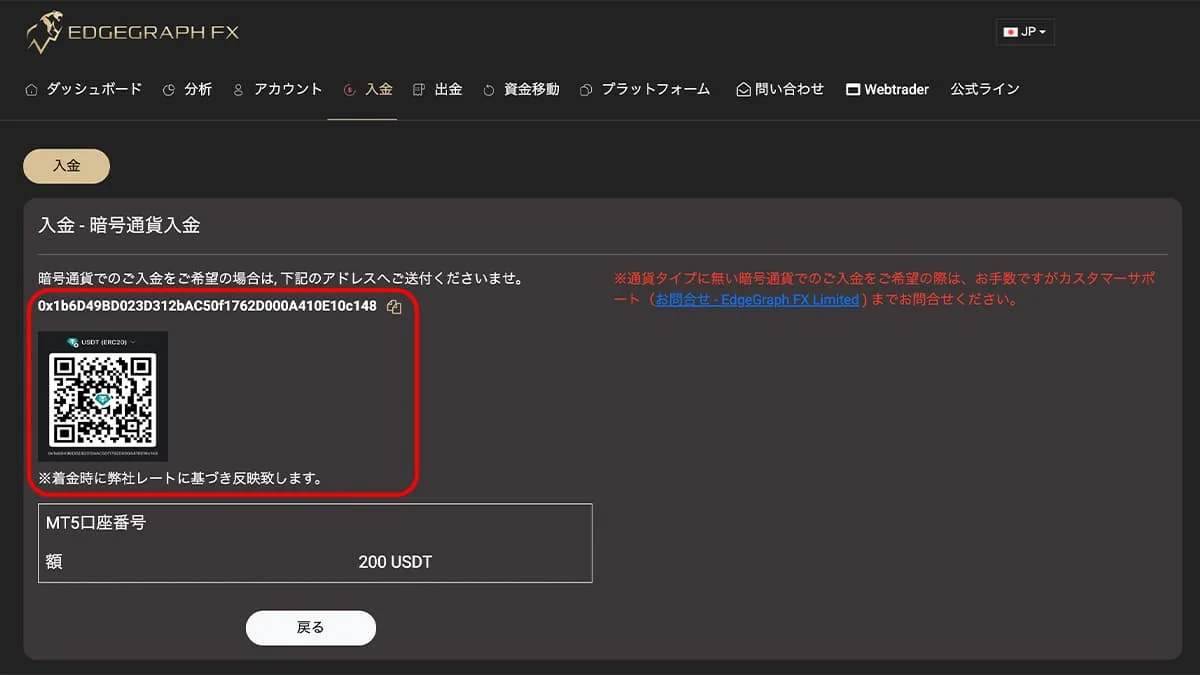
Send the amount of cryptocurrency you requested to the displayeddestination address.
- Always copy and paste the address (do not type it manually)
- Confirm that it matches thecurrency type and network you selected in Step 1, as a final check
- Network fees (gas fees) for the transfer are charged on the sending wallet's side
- After sending, funds are credited to your account once blockchain confirmations are complete
Which Network Should You Choose for USDT?
If you're unsure which to choose for a USDT deposit, USDT-TRC20 is the top recommendation, known for its low fees and fast transfer speed.
USDT-TRC20:
Low fees and fast processing. Widely used as a standard option on many overseas exchanges.
USDT-ERC20:
Uses the Ethereum network, so fees can spike during periods of congestion.
USDT-BEP20:
Uses BNB Smart Chain. Costs are relatively low, but you should confirm in advance whether your exchange supports it.
Before choosing, check in advance which network your sending exchange or wallet supports for withdrawals.
Precautions When Sending Funds
1. Don't Get the Network Wrong
USDT is notcompatible across ERC20, TRC20, and BEP20. Make sure the network you select on the EdgeGraph FX screen matches the one you select at the sending end.
2. Enter the Sending Address Accurately
The sending address you enter in Step 2 must match the actual address you're sending from.
3. If Funds Don't Arrive
If your deposit still hasn't been credited after blockchain confirmation, contact EdgeGraph FX support with your transaction ID (TxID).
Frequently Asked Questions
Q1. Are there deposit fees?
EdgeGraph FX doesn't charge a deposit fee, but a network fee (gas fee) applies when sending from the exchange or wallet you're sending from.
Q2. How long does it take to be credited?
Typically, funds are credited within a few minutes to about 30 minutes once blockchain confirmation is complete. However, it can take several hours if the network is congested.
Q3. What if my deposit isn't credited?
If it still hasn't been credited after more than an hour, check a blockchain explorer (such as Etherscan or Tronscan) to see whether the transaction is complete (status shows Success).
Summary
The currency types available for cryptocurrency deposits at EdgeGraph FX areBTC, USDT-ERC20, USDT-TRC20, and USDT-BEP20 — four in total.
The steps are as follows: "Select currency type → Enter sending address → Enter amount → Click deposit request → Send to the displayed address" — 5 steps in total. As long as you're careful about network selection and address accuracy, your deposit will go smoothly.