Does EdgeGraph FX Reject Withdrawals? 6 Causes and When to Contact Support
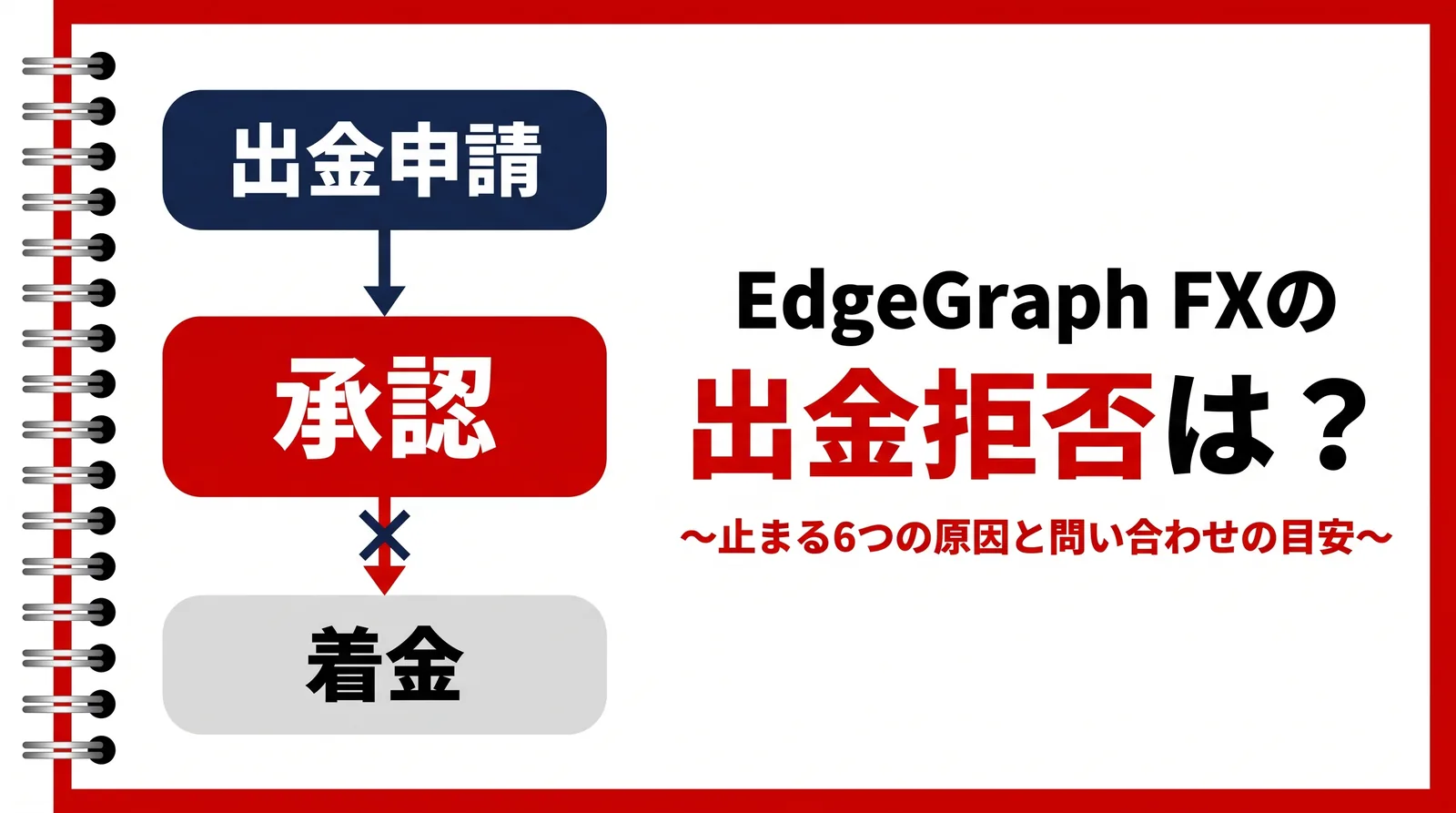
You requested a withdrawal, but no matter how long you wait, the funds never arrive. While searching for answers, you may have come across the term “withdrawal rejection” and felt uneasy.
EdgeGraph FX publishes the conditions for making a withdrawal on its official website. If nothing seems to be happening after your request, it is most likely not that the request was rejected, but that the process is on hold because one of those conditions has not been met.
This article introduces six causes of a stalled withdrawal at EdgeGraph FX and how to clear each one. It also covers how many days to wait before contacting support and what to tell them when you do.
Table of Contents
- There Are Six Causes for a Stalled Withdrawal
- The Most Common Cause Is an Unprocessed Approval Email
- The Six Causes and How to Clear Each One
- How Many Days to Wait Before Contacting Support
- What to Tell Support When You Contact Them
- How Prohibited Activities Are Handled
- Beware of Messages Offering to Handle Withdrawals or Arrange Refunds
- FAQ
- Summary
There Are Six Causes for a Stalled Withdrawal
If your withdrawal request has stopped moving, you most likely fall under one of the following six: an unprocessed approval email, incomplete identity verification, a name mismatch on the receiving account, a bonus included in the requested amount, open positions, or an anti-money laundering check.
“On hold” means the process picks up from that point once the conditions are met.However, how to clear the hold depends on the cause.
Some only need an approval or a document submission, while others require you to meet the conditions first and then submit the request again.
The most common one is an unprocessed approval email.
If you want to check how much you can withdraw and which documents are required, see the article below.
The Most Common Cause Is an Unprocessed Approval Email
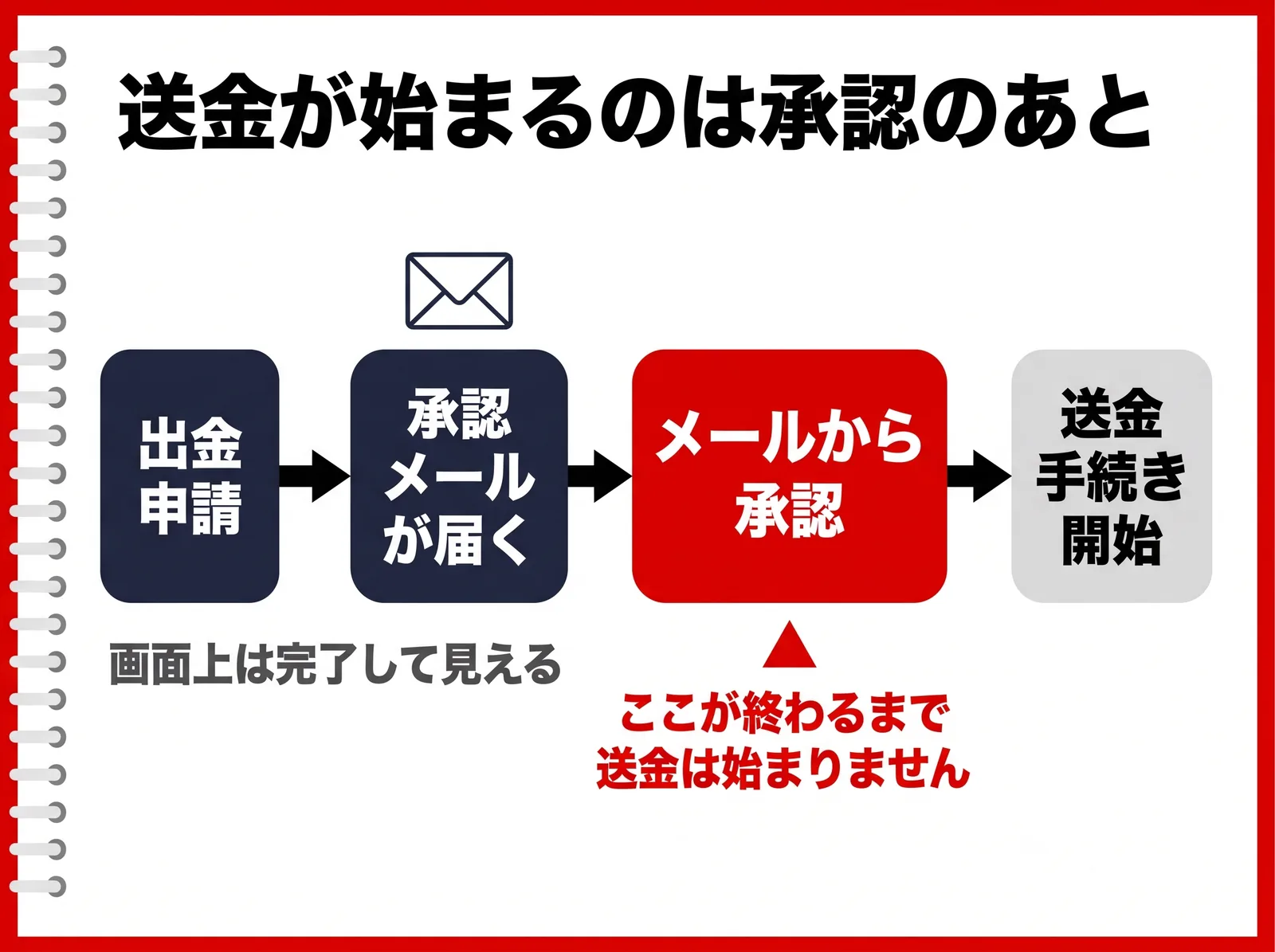
When you request a withdrawal, you receive an email asking you to approve the request.The actual transfer does not begin until this approval is completed.
Because the request itself has been submitted, the screen makes it look as though the process is finished. As a result, some people keep waiting without opening the email and feel that “the withdrawal isn't going through.”
For example, say you request a withdrawal on a Friday night and spend the weekend as usual. On Monday your balance still hasn't changed, so it feels stuck, but if the approval hasn't been done, the transfer process has not started even once.
Please approve the request using the link in the email. The later you approve, the later the funds will arrive.
- Check whether it was sorted into your spam folder.
- Searching for “EdgeGraph” in your email app's search box may help you find it.
- Check that the email address registered to your account is the one you currently use.
The steps for requesting a withdrawal on screen are covered in the article below.

The Six Causes and How to Clear Each One
You can check which one applies to you in the table below.
Six causes of a stalled EdgeGraph FX withdrawal and how to clear them
| Cause | What is happening | How to clear it |
|---|---|---|
| Approval email not processed | Transfer process has not started | Approve via the link in the email |
| Identity verification incomplete or documents deficient | Awaiting review | Resubmit the missing documents |
| Receiving account name does not match | Transfer cannot be made | Register an account in your own name |
| Requested amount includes a bonus | Requested amount exceeds the limit | Request again for the balance minus the bonus |
| You hold open positions | Withdrawal request cannot be made | Close all positions |
| Anti-money laundering check | Additional checks in progress | Submit the requested materials |
Identity verification takes 1 to 3 days to review. If there is a problem with your documents, the process stays stopped for that much longer.
For your first withdrawal, you need to register the bank account that will receive the funds. If the registered name does not match the account holder name, the transfer cannot be made.
The amount you can withdraw is your account balance minus any bonus. If you enter the balance shown on screen as is, the request exceeds the limit by the bonus amount and will not go through.
You cannot request a withdrawal while you hold positions. Close all open trades before you request.
If an anti-money laundering check is triggered, you may be asked for additional materials. The process does not move forward until you submit what was requested.
The trading conditions are summarized on the page below.
▶︎Trading Products & Fees
How Many Days to Wait Before Contacting Support
Whichever of PESKA, PayWave, or crypto withdrawal you choose, a withdrawal from EdgeGraph FX usually takes 3 to 5 business days to complete. The waiting time does not change depending on the method.
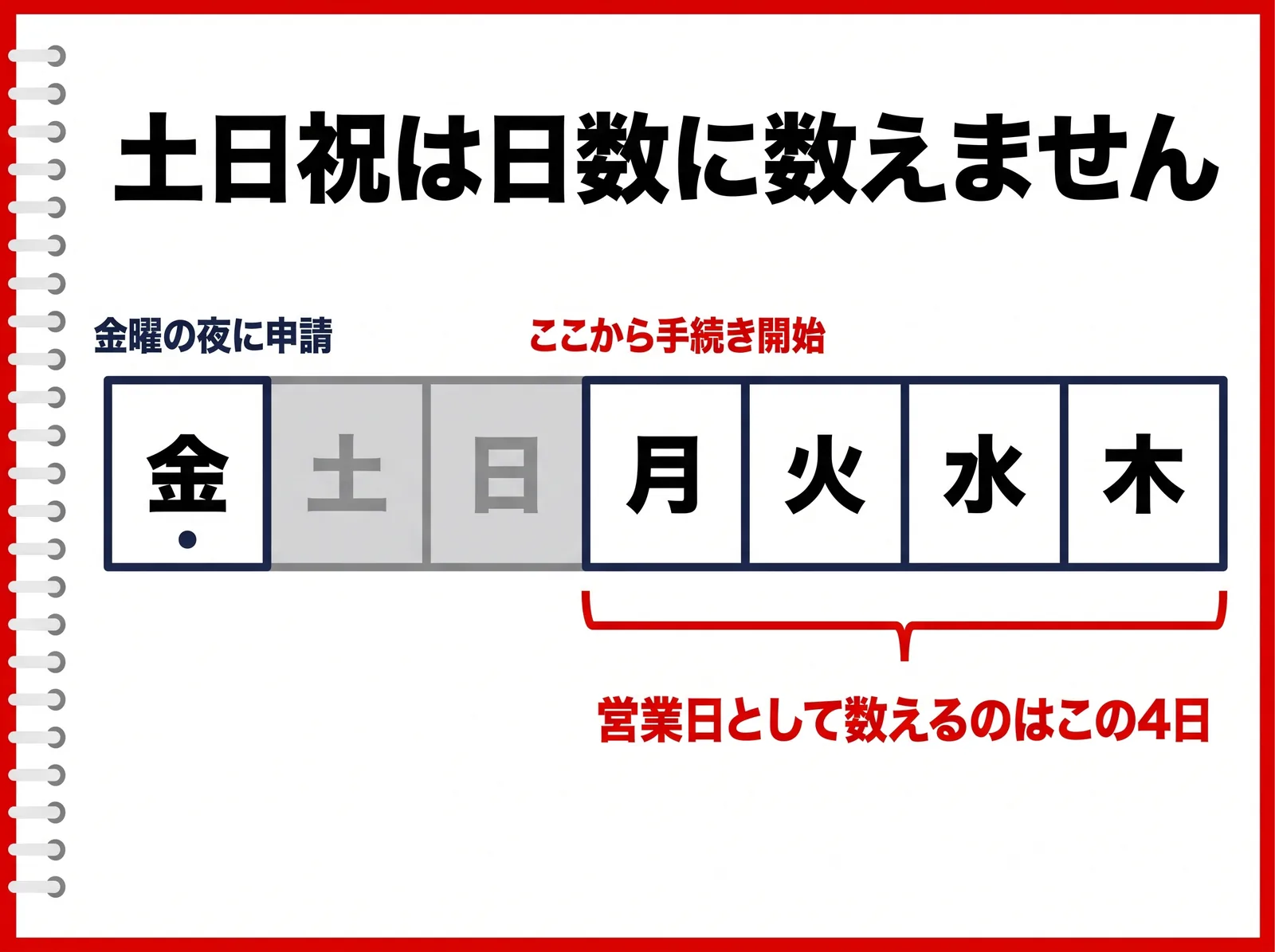
Note that this timeframe is counted in business days. Weekends and public holidays are not counted toward the days until the funds arrive.
For example, if you request on a Friday night, processing starts on Monday. The two weekend days are not counted, so on the calendar it may look as though nearly a week has passed.
If you feel “I've already waited 5 days,” first count how many of those 5 days were business days.
Guideline for when to contact support about an EdgeGraph FX withdrawal
| Situation | Standard timeframe | When to contact support |
|---|---|---|
| Approval email doesn't arrive | Arrives right after you request | If it hasn't arrived by the end of the day |
| Approved but funds haven't arrived | 3 to 5 business days | After 6 business days have passed |
| No identity verification result | 1 to 3 days | After 4 days have passed |
Even when the approval and conditions are all in order, the funds can arrive late. Depending on the business days of the receiving bank or intermediary banks, it can shift by a few days.
What to Tell Support When You Contact Them
Having four items ready, the account number, withdrawal request date, requested amount, and withdrawal method, can reduce the number of back-and-forth messages.
We have put it into a form you can copy and use as is.
- Please check the status of my withdrawal.
- Account number:
- Withdrawal request date:
- Requested amount:
- Withdrawal method: (PESKA / PayWave / crypto withdrawal)
- Approval email processed: (done / not processed / not received)
- Current situation: X business days have passed since the request, but I have not been able to confirm that the funds have arrived.
You can contact support through the form on the support page of the official website, or at support@edge-graph.com. In the form's “Inquiry type” field, select “Deposits and withdrawals.”
The form can be submitted at any time. Customer support hours are weekdays 09:00 to 22:00 Japan time.
Please also state at the start whether you have processed the approval email. If it hasn't arrived, tell us exactly that.
You do not need to submit the same request again after contacting support. Your request has already been received, so there is no need to submit it twice.
We reply to messages sent through the form within 24 hours.If you have not heard from us after 24 hours, we apologize for the inconvenience, but please contact us through the form again.
How Prohibited Activities Are Handled
The guidelines specify how cases that fall under prohibited trading are handled.How a case is handled differs depending on what applies.
If the cause of your on-hold withdrawal matches none of the six above, please contact support.
The full text on prohibited activities is published in the guidelines, so please check it.
▶︎Guidelines
Beware of Messages Offering to Handle Withdrawals or Arrange Refunds
When a withdrawal is stalled, you may receive messages offering to handle it for you or to get you a refund.
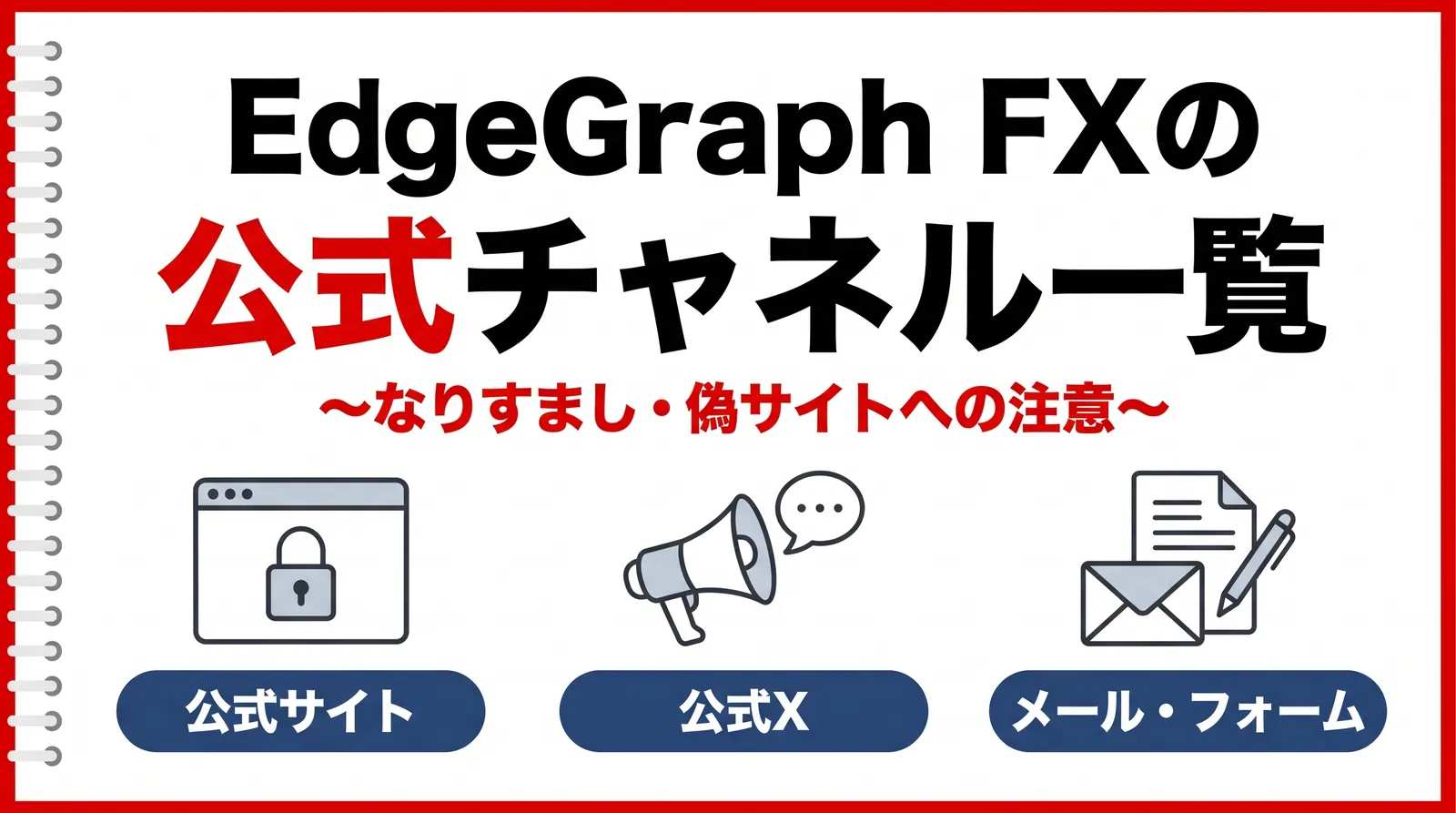
EdgeGraph FX uses the official website, email, and the inquiry form. If guidance on withdrawal procedures arrives through any other channel, do not respond.
Nobody other than you and support knows that your withdrawal is stalled. If you receive a message that anticipates details of your request, confirm the facts through the contact channels on the official website.
we never ask for an additional deposit in order to withdraw, and we never ask for your password.
If you receive a message directing you to deposit money under a name such as covering fees in advance, do not respond.
To check your withdrawal status, contact the support page on the official website or support@edge-graph.com.
To check the official contact points, see the article below.
FAQ
Summary
The first thing to check when a withdrawal request is not moving is the approval email.The transfer process does not start until approval is completed.If you have approved but the funds haven't arrived, please contact support once 6 business days have passed.
After that, check which of the six causes matches your situation.
EdgeGraph FX publishes on its official website the conditions for making a withdrawal and how prohibited activities are handled. After checking them, decide whether to contact support.
The flow when procedures go through normally, including withdrawal times, fees, and required documents, is covered in a separate article.