How to Deposit into EdgeGraph FX via Peska | Steps and Key Points to Avoid Mistake
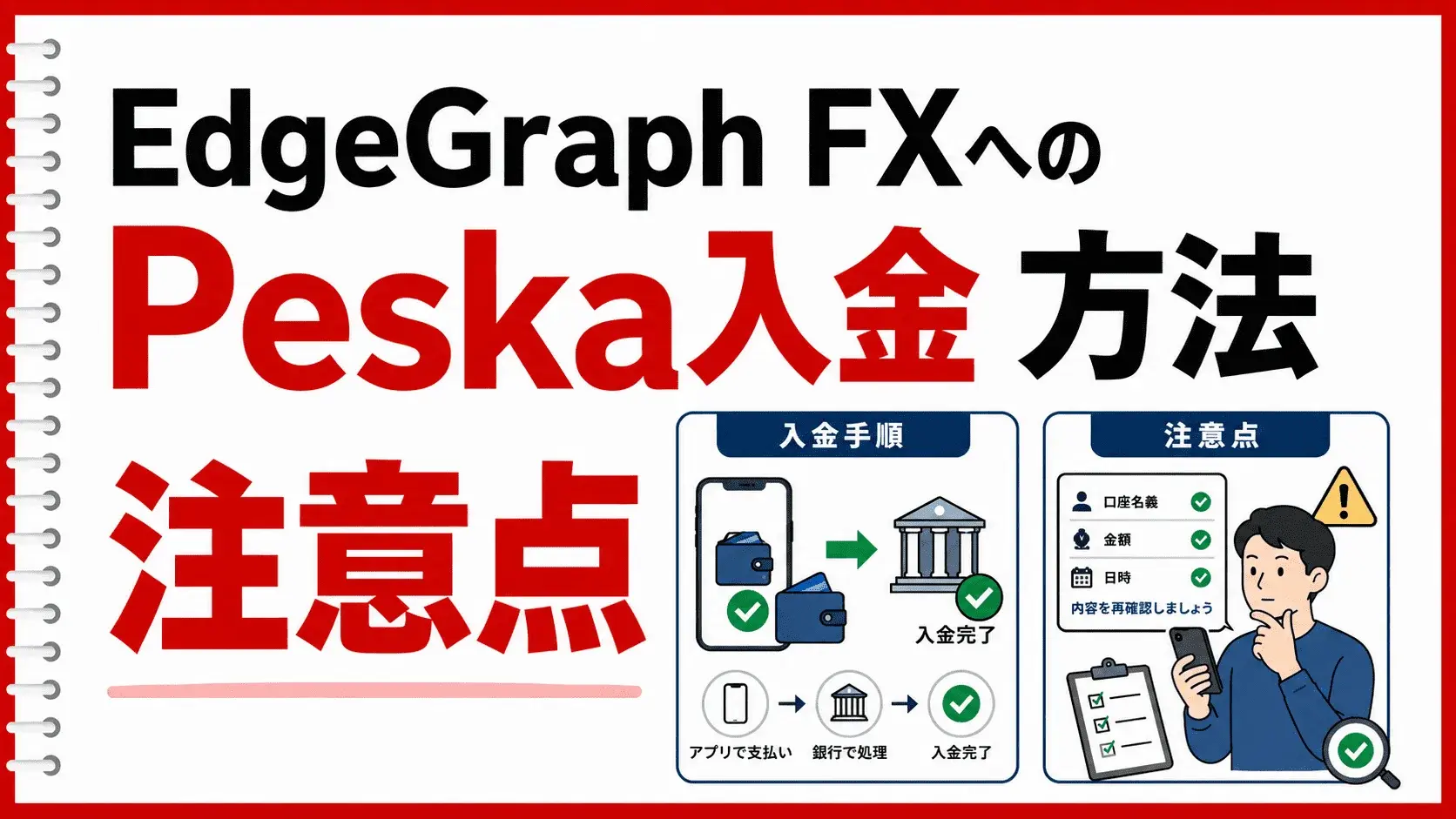
Peska is one of the deposit methods available at EdgeGraph FX, allowing you to transfer funds from your Peska account balance directly to your EdgeGraph FX account. Since charges to Peska are reflected in real time regardless of weekends or holidays, it is a highly recommended deposit route that allows you to move funds to your trading account (MT5 account) instantly, 24 hours a day.
This article explains the specific steps for depositing via Peska and key points to ensure your deposit is processed smoothly.
Table of Contents
Features of PESKA
· Bank transfer support with real-time deposits and instant reflection
· Licensed in Canada
· One free bank withdrawal per month
Please also refer to the deposit method manual in PDF format.
→Peska Deposit Manual (PDF format)
1. Preparation Before Depositing via Peska
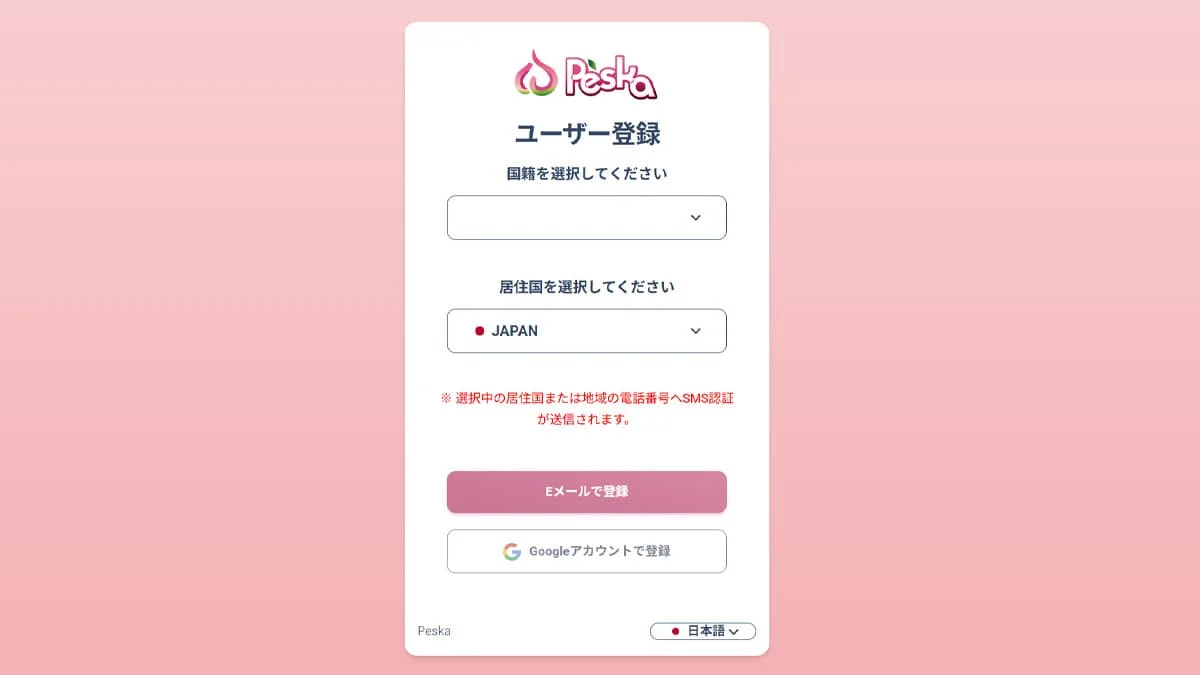
To deposit into EdgeGraph FX using Peska, you must first create a Peska account and complete identity verification (KYC) in advance. Completing the following preparations beforehand will allow you to proceed with the deposit process smoothly.
→Register for a Peska Account Here
- Account Setup: Set your email address and password, and register your full name (in Roman characters) and phone number
- Identity Verification Document: A government-issued ID such as a driver's license or passport
- Proof of Address: A utility bill, residence certificate, or similar document
- Two-Factor Authentication Setup: Configure Google Authenticator (authentication app) (※ required for transfers)
※ Identity verification review may take some time, so it is recommended to complete registration well in advance. Also, please make sure the name registered with EdgeGraph FX and the name on your Peska account are identical. Using an account registered under a third party's name may result in the transfer being rejected.
2. Steps to Deposit into EdgeGraph FX via Peska
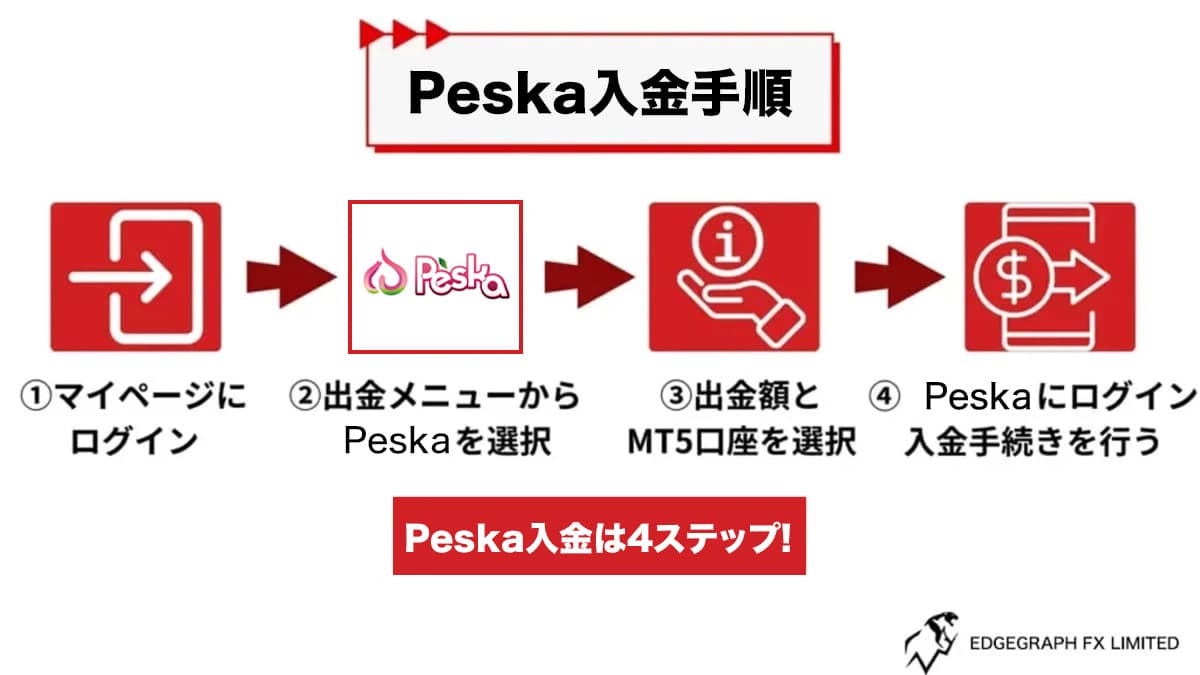
Step 1: Charge Your Peska Account
- Log in to your Peska account.
- From the menu, select "Deposit" → "¥JPY" and check the bank transfer details for charging your account.
- Transfer funds from a domestic bank (via ATM or online banking) to the designated account.
- Note (Sender Name): When executing the transfer, please enter the sender name exactly as specified on the Peska screen. If the information does not match, the balance may not be correctly linked to your account.
Step 2: Send Funds to EdgeGraph FX (Submit a Deposit Request)
- Log in to the official EdgeGraph FX website and select "Deposit" → "Peska" from the menu.
- Select the MT5 account number where you want the funds to be credited.
- Enter the email address registered with your Peska account and the desired deposit amount (JPY).
- Click "Submit Deposit Request" and you will be automatically redirected to the Peska payment screen.
Step 3: Approve the Transfer on the Peska Side
- On the Peska screen you are redirected to, confirm the amount and other details, then click "New Transfer (P2P)" in the upper right.
- When the confirmation screen appears, open the authentication app on your smartphone and enter the 6-digit "two-factor authentication code" displayed in the Peska field.
- Click "Submit" to finalize the payment, and the funds will be instantly credited to your EdgeGraph FX MT5 account.
3. Important Notes When Depositing
① Always Use the Same Registered Name
The name registered with EdgeGraph FX, the name on your Peska account, and the name on the bank account used for the transfer must all be identical.
② Confirm That Your Peska Balance Has Been Charged Before Sending
Before submitting a deposit request on the EdgeGraph FX side (Step 2), always confirm that the Japanese yen balance has been correctly reflected in your Peska wallet. Proceeding with the transfer while your Peska balance is insufficient will result in an error.
4. Frequently Asked Questions
Q. How long does it take for a transfer from Peska to EdgeGraph FX to be reflected?
A.Once the final approval on the Peska side is completed, the funds are typically reflected in your EdgeGraph FX MT5 account almost instantly. However, there may be a slight delay depending on system congestion or other circumstances.
Q. I sent the funds but they are not showing up in my EdgeGraph FX account.
A.First, check the transfer history on the Peska side to confirm whether the transfer status to EdgeGraph FX shows "Completed." If it is marked as completed on the Peska side but has not been reflected, please note your transaction ID and contact EdgeGraph FX support.
Q. Can I deposit directly into EdgeGraph FX using a credit card?
A.No, you cannot. EdgeGraph FX currently does not support direct deposits by credit card. If you wish for an instant deposit, please use the bank transfer via Peska as explained in this article, or deposit using cryptocurrency (such as USDT).
5. Summary
Peska is a highly recommended deposit method for EdgeGraph FX, allowing real-time deposits to be reflected 24 hours a day. Once you have registered your account, you can easily transfer funds from a domestic bank to your trading account.
To ensure a smooth deposit, please always confirm the following 3 points before proceeding:
- Complete Peska account registration, identity verification, and 2FA setup in advance
- Enter the "sender name" during the bank transfer exactly as specified by Peska
- Ensure the name registered with EdgeGraph FX and the name on your Peska account match