How to Use the Ichimoku Indicator: Reading Sanyaku Koten on MT5 and Period Settings
Ichimoku Kinko Hyo is a form of technical analysis born in Japan that reads market balance through five lines: Tenkan-sen (conversion line), Kijun-sen (base line), Senkou Span A, Senkou Span B and Chikou Span (lagging span). It comes built into MT5, but key points such as Sanyaku Koten (triple bullish signal) and cloud twists have to be spotted by eye on your own.
In this article, using Neo Ichimoku distributed by EdgeGraph FX as an example, we explain how to read Sanyaku Koten and how to think about period settings.
We distribute “Neo Ichimoku”, which includes Sanyaku Koten detection and advance warning of cloud twists, complete with a user manual
Get Neo IchimokuTable of Contents
The Five Lines of Ichimoku
Tenkan-sen is the midpoint of the recent high and low and shows the short-term direction. Kijun-sen uses the same calculation over a longer period and serves as the medium-term level.
Senkou Span A and B are drawn shifted into the future, and the band between these two lines is the cloud (Kumo). By checking whether price is above or below the cloud, you grasp where the market stands.
Chikou Span is the closing price shifted into the past. You compare it with past prices to see how things stand now.
The Three Conditions for Sanyaku Koten and Sanyaku Gyakuten
Ichimoku includes the concepts of Sanyaku Koten and Sanyaku Gyakuten (triple bearish signal), which are confirmed when all three conditions line up.
The three conditions for Sanyaku Koten and Sanyaku Gyakuten in Ichimoku
| Condition | Sanyaku Koten (bullish) | Sanyaku Gyakuten (bearish) |
|---|---|---|
| Tenkan-sen and Kijun-sen | Tenkan-sen above Kijun-sen | Tenkan-sen below Kijun-sen |
| Chikou Span | Above the price from the set number of candles ago | Below the price from the set number of candles ago |
| Price and cloud | Price above the cloud | Price below the cloud |
Because all three must line up, it does not appear often. It has traditionally been regarded as an important turning point, but it does not guarantee what price does next.
A Score Showing How Many Conditions Are Met
With standard Ichimoku, you have to compare these three conditions yourself every time.
Three ways to notice Sanyaku Koten and how each looks while it is forming
| How you notice it | How it looks while forming | What you need to do |
|---|---|---|
| Compare the lines yourself | Cannot tell | Check the chart every time |
| Notification only when it forms | Cannot tell | Wait for the notification |
| Always show the number met | Shown as a value from 0 to 3 | Look at the panel |
Neo Ichimoku always shows, in the panel at the upper left, how many of the three conditions are currently met. You can see not only the moment it forms but also the state where two are met and the third is still pending, as a number.
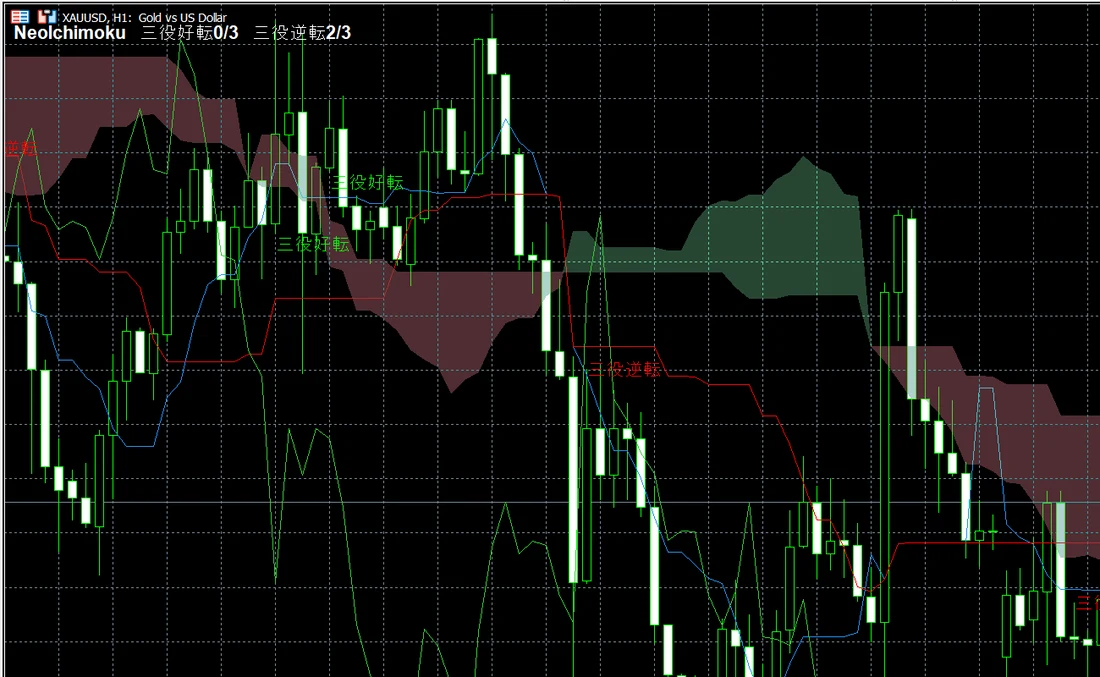
In a range market, this number may keep rising and falling. It lets you read the very situation where conditions almost line up and then break down.
This indicator works while you are logged in to an EdgeGraph FX account on MT5.
Not sure how to add an indicator to MT5? Check out this article!
Advance Detection of Cloud Twists
A cloud twist is the point where Senkou Span A and Senkou Span B cross within the future cloud. It has traditionally been seen as a guide to a period when the trend is prone to reverse.
Since the Senkou Spans are drawn shifted into the future, the future cloud is already visible on the chart. However, the crossing position is hard to make out and easy to overlook.
Neo Ichimoku automatically scans the future cloud and tells you how many candles ahead the twist is expected to occur through the panel display and alerts.
A twist indicates a period when a reversal is likely; it does not show whether price will move up or down. Read it together with other factors, such as whether price is above or below the cloud.
Are 9, 26, 52 the Right Periods?
The combination of 9, 26 and 52 is widely used as the standard Ichimoku periods. However, there is a premise behind it.
Where the Standard Numbers Came From
These numbers are based on the market calendar of the six-day week in use when the method was devised. They count days from an era when Saturday was also a trading day.
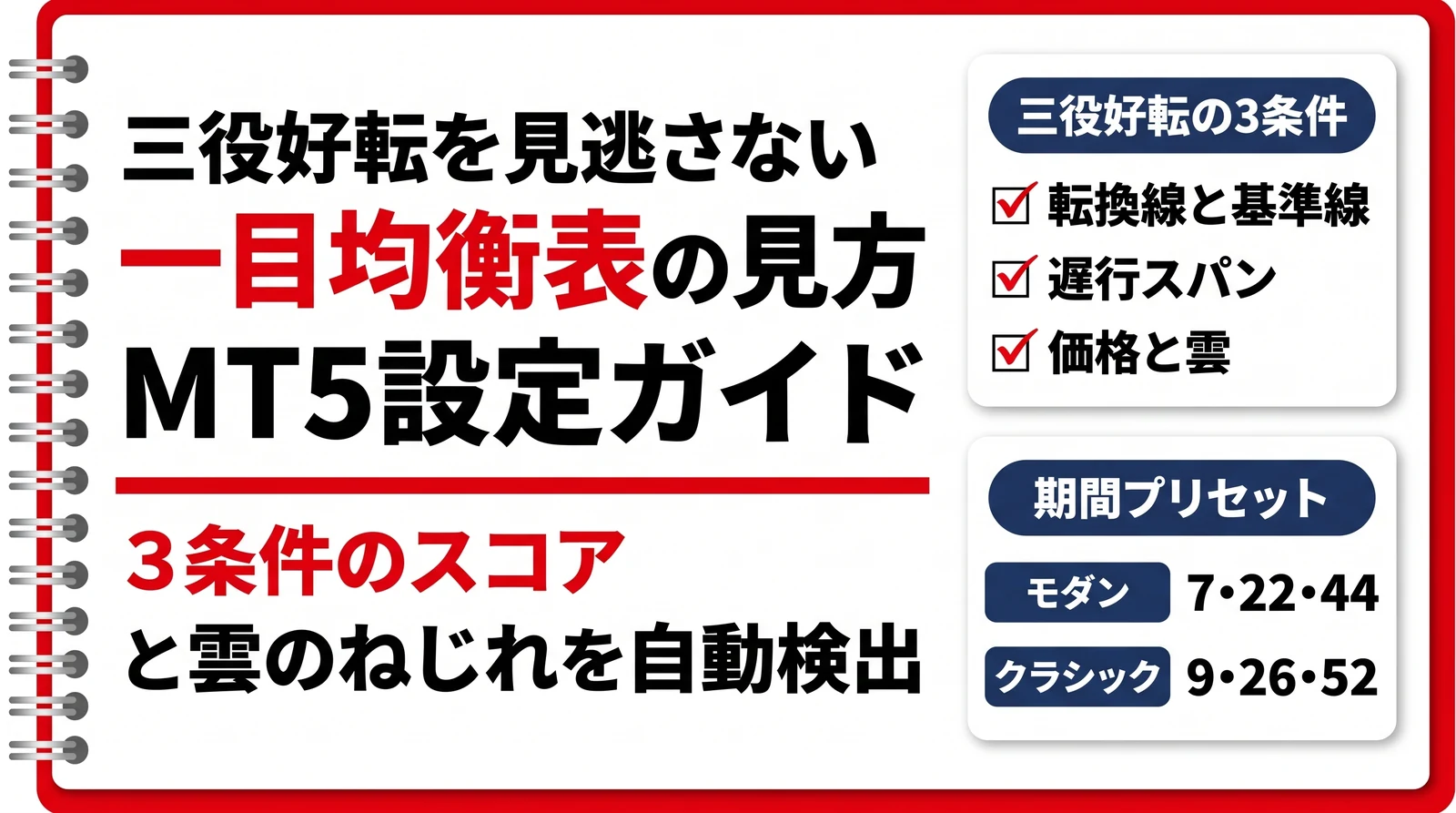
Recalculated for today's five-day week, they come to roughly 7, 22 and 44. Neo Ichimoku uses this as its default Modern setting.
Period presets in Neo Ichimoku
| Preset | Tenkan-sen, Kijun-sen, Senkou Span B | Shift of cloud and Chikou Span |
|---|---|---|
| Modern (default) | 7 / 22 / 44 | 22 |
| Classic | 9 / 26 / 52 | 26 |
| Custom | Enter individually | Enter individually |
The indicator name shows the periods in use. In a form like NeoIchimoku(7,22,44), you can tell at a glance which settings it is running on.
Choosing Between Modern and Classic
There is no verdict on which is better. There are two points of view to keep in mind when choosing.
In theory, Modern is the one that matches today's market calendar. Classic, on the other hand, uses numbers that many traders have watched for years, so there is also the point that it works as a key level precisely because so many people are watching it.
If you cannot decide, display both on the same chart and compare the two clouds and signals.
When Alerts Sound
When price moves up and down in small steps near the signal boundary, an alert may sound many times from price movement before the candle closes.
Neo Ichimoku judges whether an alert is needed only at the moment the previous candle closes. The popup sounds just once, after the close.
The signals on the chart update in real time, so you can see conditions forming as they happen.
When you first add it to a chart and right after restarting MT5, it rescans the past history once. Past occurrences found at this time are shown as signals only; no alert sounds.
Available Settings
When you add it to a chart, the input parameters screen opens.
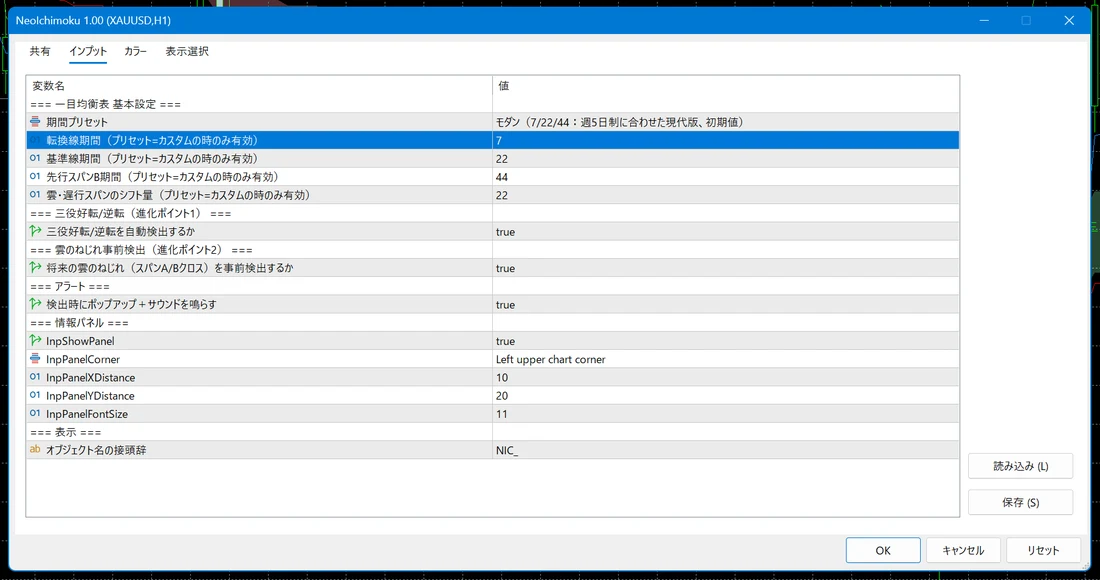
Main input parameters of Neo Ichimoku
| Setting | Default | Notes |
|---|---|---|
| Period preset | Modern | Choose from Modern, Classic and Custom |
| Tenkan-sen period | 7 | Active only when the preset is Custom |
| Kijun-sen period | 22 | Active only when the preset is Custom |
| Senkou Span B period | 44 | Active only when the preset is Custom |
| Shift of cloud and Chikou Span | 22 | Active only when the preset is Custom |
| Detect Sanyaku Koten/Gyakuten automatically | true | Set to false to turn off detection |
| Detect future cloud twists (Span A/B cross) in advance | true | Set to false to turn off detection |
| Show popup and play sound on detection | true | Notifies you with a popup and sound |
You can also change whether to show the info panel, the corner and position where it sits, and the text size. The object name prefix is an item used for internal management, so you can leave it at the default.
If you also want to look for turning points from candlestick shapes, check out this article!
Besides Ichimoku, if you want to find MT5 indicators by purpose, check the article below!
FAQ
Summary
Neo Ichimoku automatically judges the three conditions for Sanyaku Koten and Sanyaku Gyakuten and always shows on the panel how many are currently met. It also reports how many candles ahead a cloud twist is expected.
The default periods are the Modern setting of 7, 22, 44. Since the standard 9, 26, 52 are numbers based on a six-day-week calendar, the default is adjusted to today's market calendar.
Which one to use is a choice between matching the theory and matching the levels many people are watching. If you cannot decide, display both and compare them.
Both Sanyaku Koten and cloud twists are points traditionally watched, but they do not guarantee what price does next. Use them in combination with other grounds.
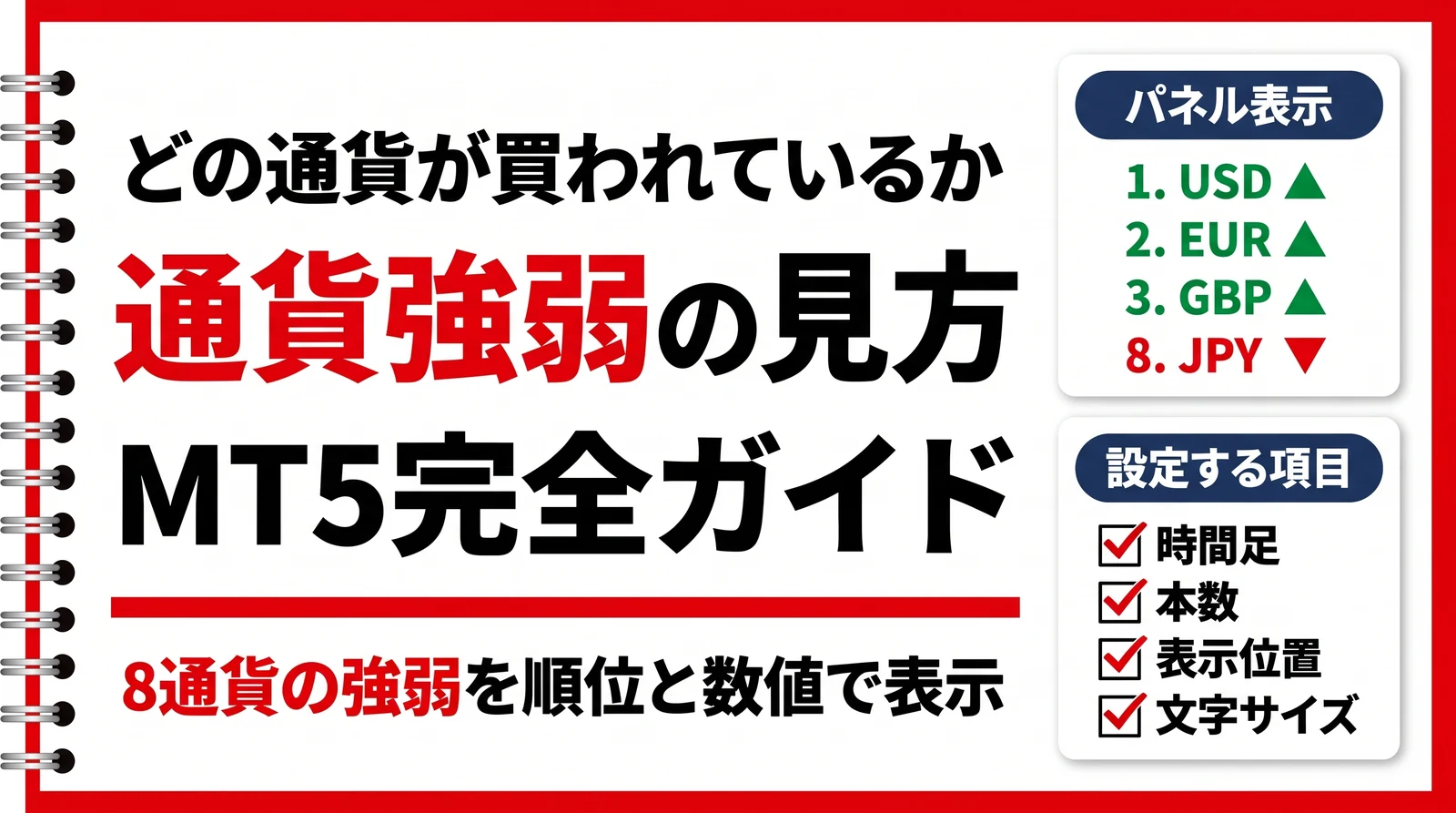
If you also want to check the strength of each currency, check out this article!
We distribute “Neo Ichimoku”, which includes Sanyaku Koten detection and advance warning of cloud twists, complete with a user manual
Get Neo Ichimoku